What is a context document?
Your work has rules, language, and people that AI knows nothing about. A context document fills that gap.
Create your context document
Download the template, then use these prompts to fill it in with AI.
 Template
Set up context document
You are helping me create a context document for AI work. Use this template and fill it in together with me by asking questions section by section.

TEMPLATE:
---
# Title: [Work process name]

## 1. Organisation and role
Where do you work and what is your function?

## 2. Main task and work process
What is your core task and how do you approach it?

Step 1:
Step 2:
Step 3:

## 3. Desired end result
What you deliver:
For whom:
What makes it good:

## 4. Instructions
Required:
Prohibited:
Tone/style:
Rules:
---

METHOD:
Start with section 1. Ask me 2-3 questions per section. Wait for my answer and then fill in that section. Then move on to the next section.

Be friendly and give examples if something is unclear. It doesn't need to be perfect: just usable for AI.

Ready? Start with section 1.
Improve context document
Analyse my context document and help me improve it.

Look for:
- Sections that are too vague or too general
- Missing information that AI needs to do good work
- Instructions that could be more specific or concrete

Then ask me a maximum of 3 questions about what is missing or unclear.
- Ask 1 question at a time and wait for my answer

Then return an improved version of my context document.
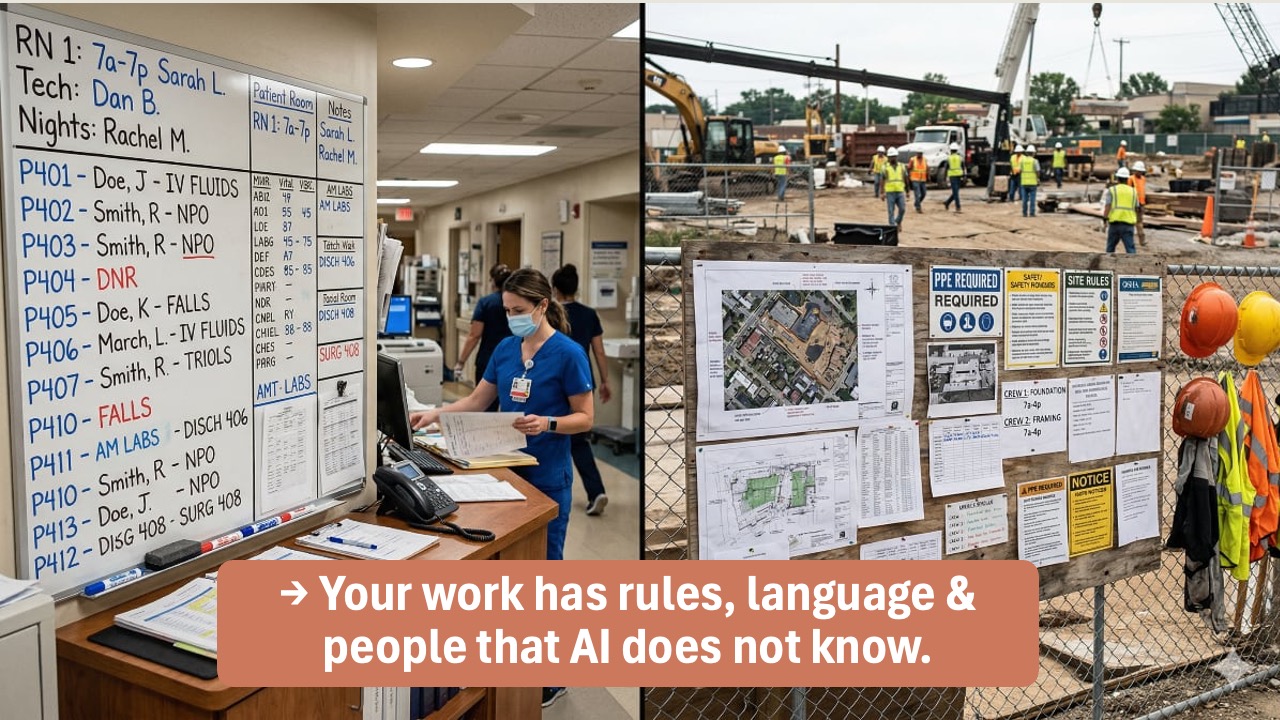
The solution is straightforward: write down what AI needs to know in a document, and attach it to your prompt. That document is called a context document.
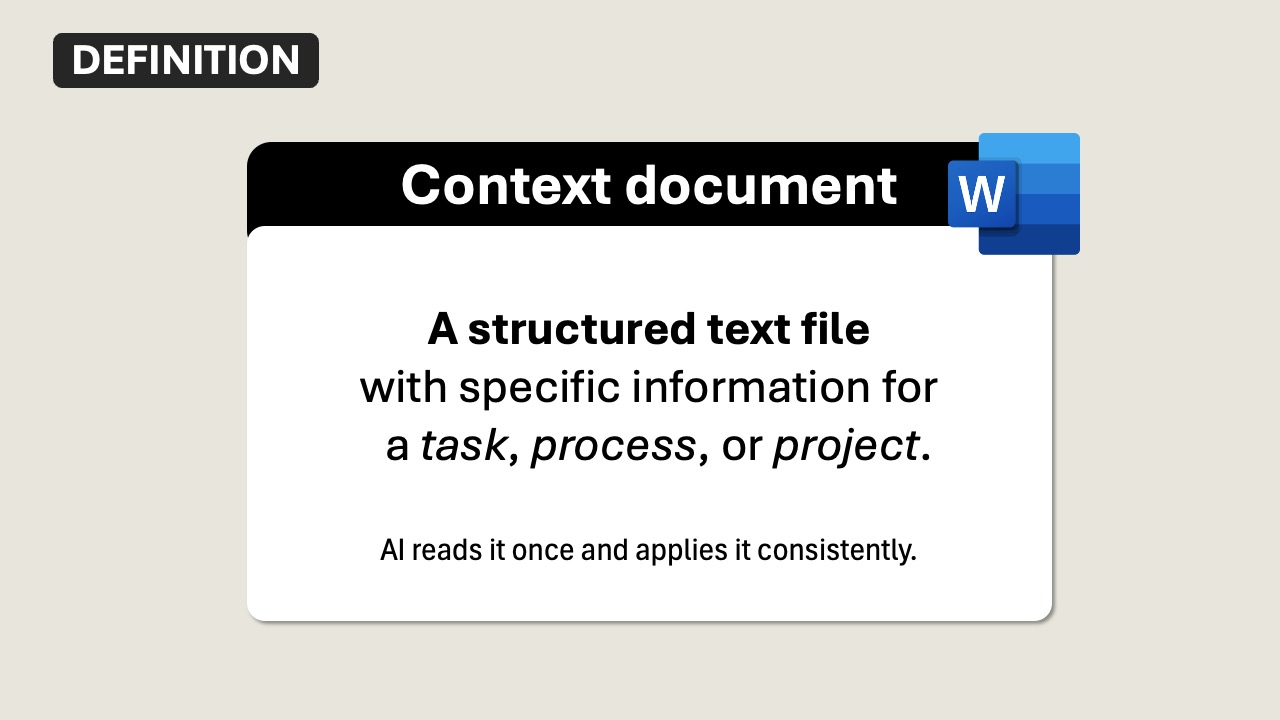
A context document is a text file with background information for AI. You write it once about a specific topic, and reuse it whenever that topic comes up.
What goes in it?
Every context document has a basic layer (the essentials AI always needs) and a layer that's specific to your situation.
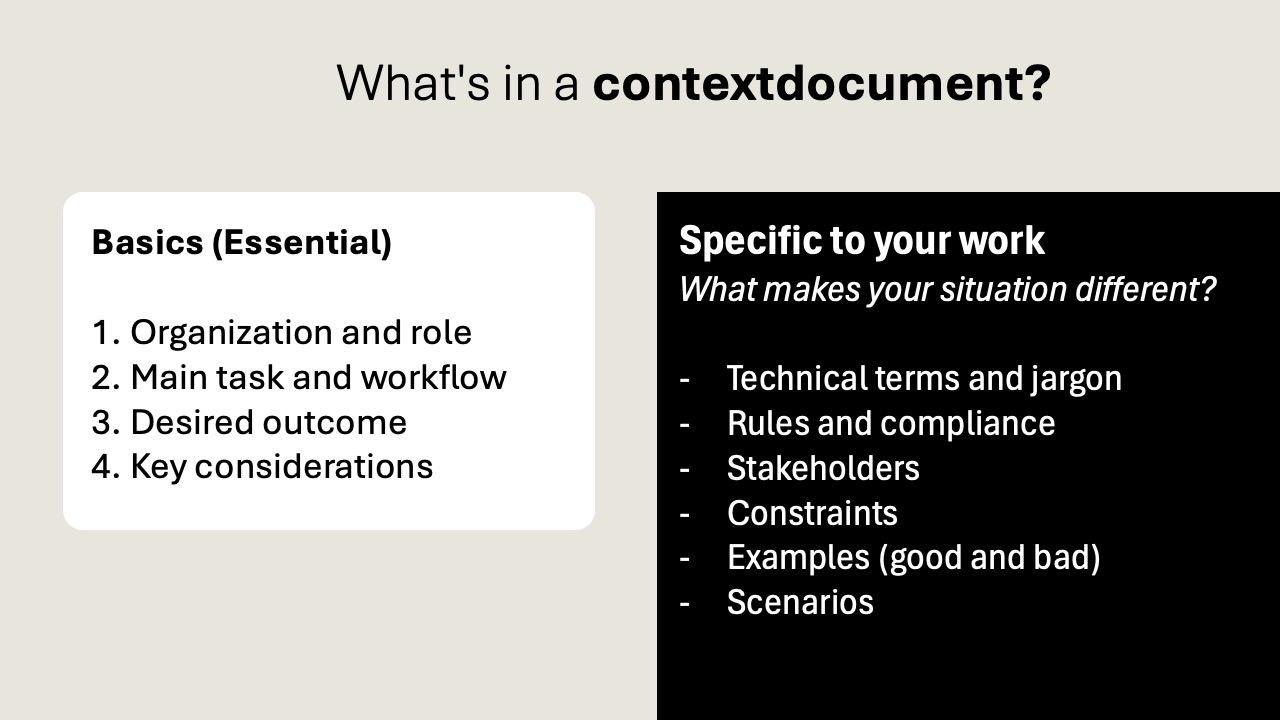
Always include
- Organization and role — who are you, where do you work?
- Main task and workflow — what are you working on, what steps do you follow?
- Desired outcome — what does a good result look like?
- Key considerations — constraints, requirements, things to watch out for
Specific to your work
On top of the basics, add the details that make your situation different: jargon, rules, stakeholders, constraints, examples, and scenarios. What that looks like depends on your field.
- Jargon: DNR, NPO, IV fluids, attending vs. resident, triage categories
- Rules: patient privacy regulations, medication protocols, handover procedures
- Stakeholders: attending physician, nursing staff, pharmacy, patient's family
- Constraints: 24/7 shift rotation, max patient-to-nurse ratio, formulary restrictions
- Examples: a good discharge summary vs. one missing medication changes
- Scenarios: shift handover, writing a referral letter, preparing a case presentation
- Jargon: CTR, ROAS, above-the-fold, brand book, A/B test, conversion funnel
- Rules: brand voice guidelines per client, approval workflows, media deadlines
- Stakeholders: account manager, creative director, client's marketing lead
- Constraints: campaign budget, platform character limits, legal disclaimers
- Examples: a social post that matches brand voice vs. one that's off-brand
- Scenarios: writing campaign copy, preparing a client pitch, drafting a content calendar
- Jargon: RFI, punch list, load-bearing, rebar, change order, shop drawings
- Rules: building codes, safety regulations, environmental permits, inspection schedule
- Stakeholders: project manager, site foreman, architect, subcontractors, municipality
- Constraints: weather windows, permit timelines, budget contingency, noise ordinances
- Examples: a clear daily site report vs. one missing safety incidents
- Scenarios: writing a progress report, preparing a change order, documenting a safety incident
- Jargon: policy brief, council motion, public consultation, zoning plan, subsidy framework
- Rules: freedom of information laws, accessibility requirements, procurement rules
- Stakeholders: alderman, council members, department heads, citizens
- Constraints: political sensitivity, coalition agreements, budget cycle deadlines
- Examples: a well-structured council memo vs. one with unclear recommendations
- Scenarios: drafting a policy brief, answering council questions, writing public communications
- Jargon: EBITDA, accruals, ledger accounts, cost centers, fiscal year, audit trail
- Rules: accounting standards (IFRS/GAAP), tax deadlines, audit requirements
- Stakeholders: CFO, external auditor, tax advisor, department budget holders
- Constraints: reporting deadlines, decimal precision, reconciliation thresholds
- Examples: a clear variance analysis vs. one missing explanations for deviations
- Scenarios: monthly closing report, budget forecast, preparing audit documentation
Two ways to give AI context
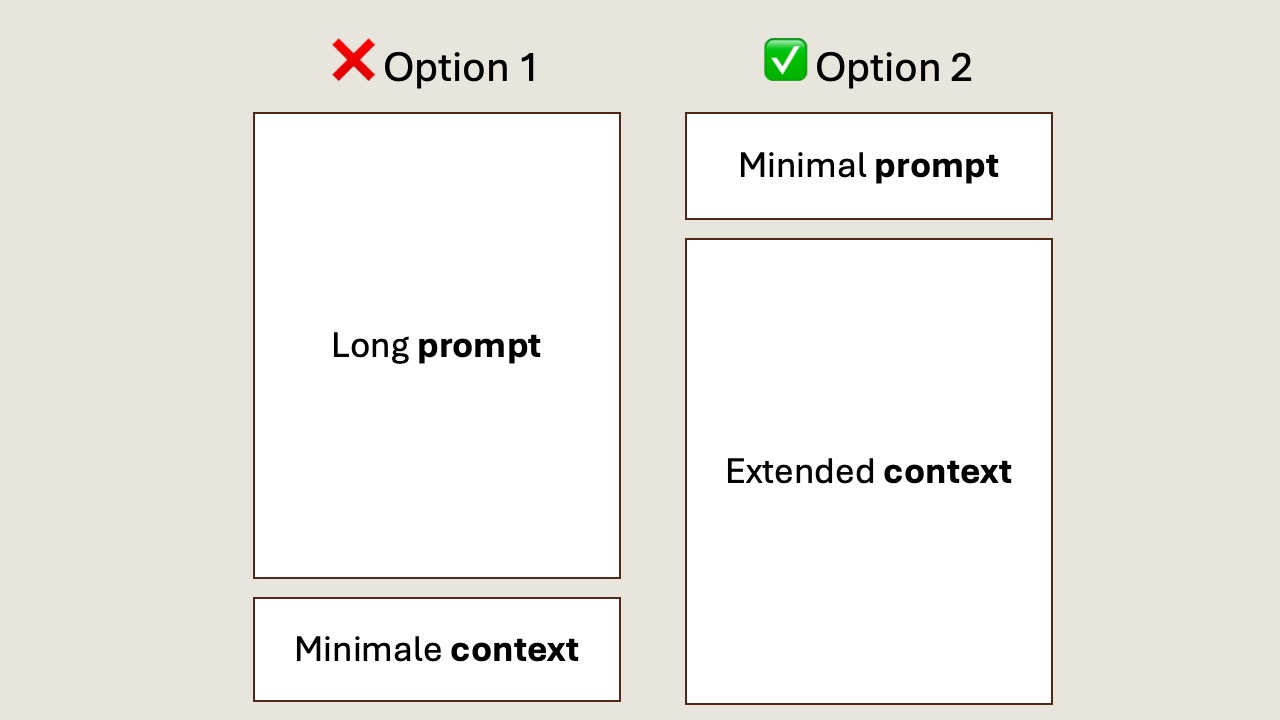
You can type everything into your prompt, or you can attach a document. The second option saves time and gives consistent results.
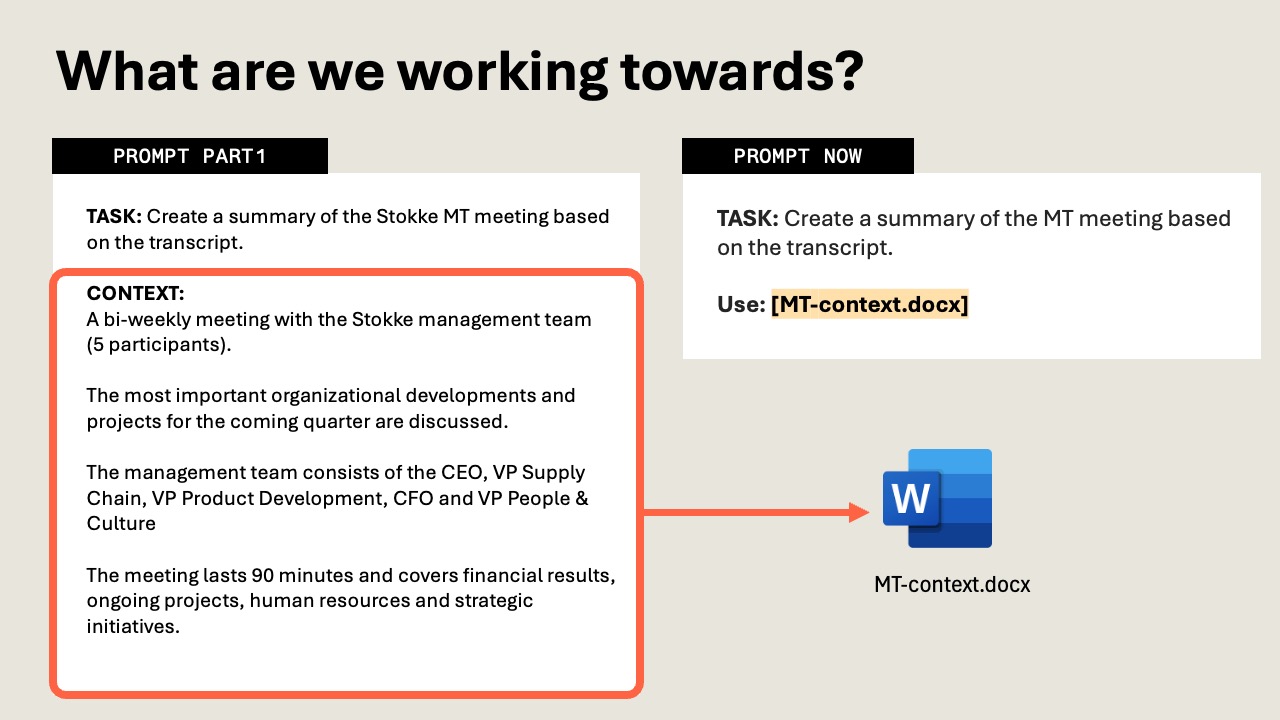
Long prompt, minimal context
All context typed into the prompt. Time-consuming, not reusable, and inconsistent between sessions.
Short prompt + context document
A brief instruction with an attached context document. Write it once, reuse it, get consistent results.
What this looks like in practice
On the left: a prompt where you type all the context inline. On the right: the same task, but with a context document attached. Same result, fraction of the effort.
Write once, reuse everywhere
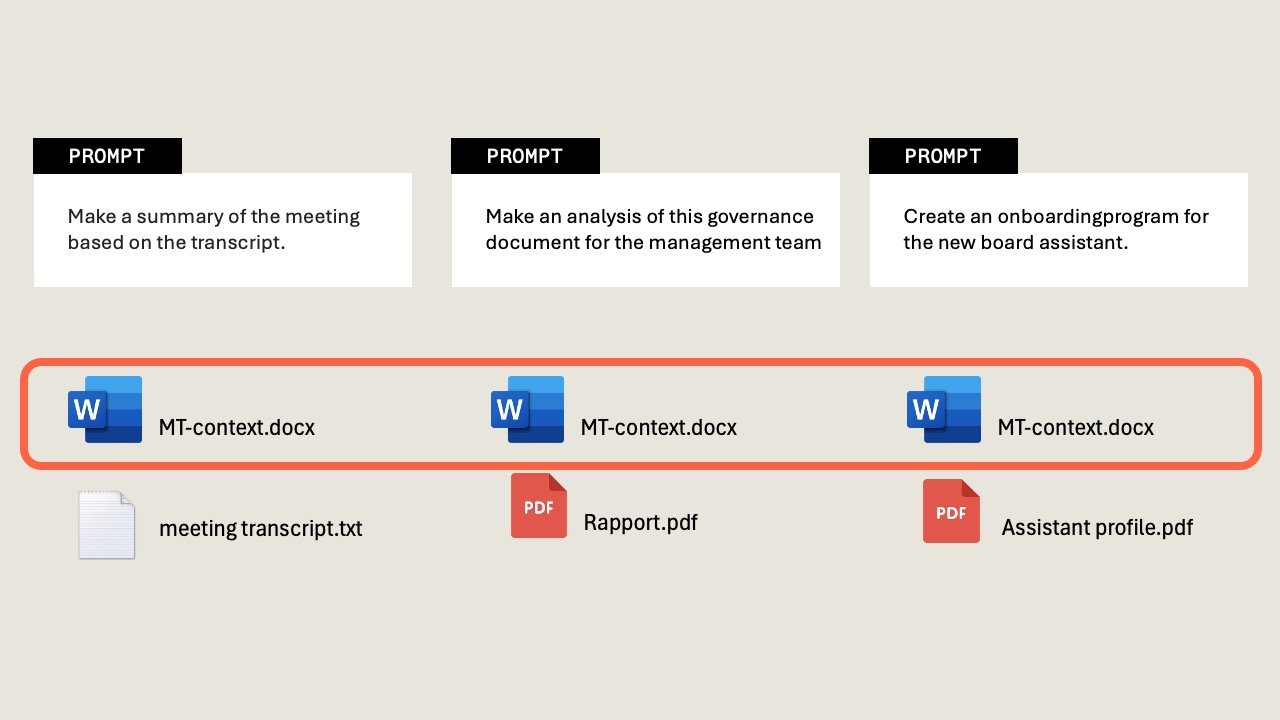
The real payoff: one context document works across many different tasks. You write it once for your team or project, then attach it whenever AI needs that background.
For example
- An MT context document used for meeting summaries, quarterly reports, and board updates
- A client context document used for emails, proposals, and presentations
- A project context document used for planning, status updates, and retrospectives