Preparing Documents for AI
Not every file format works equally well with AI. Learn how to prepare documents for optimal results.
The problem
AI reads documents differently than people do. Complex formatting leads to errors:
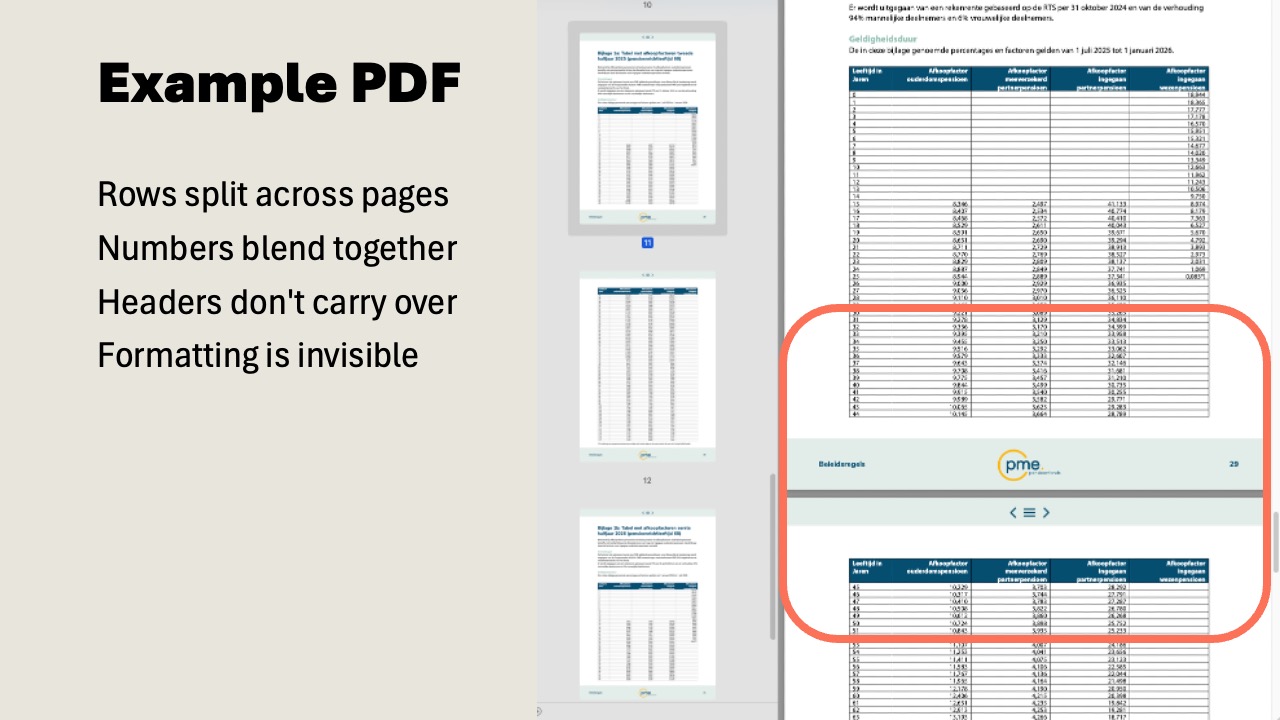
PDF tables get misread: columns get mixed up.
Graphics and images are ignored or misinterpreted.
Multi-column layouts get flattened: text ends up in the wrong order.
Missing data is sometimes "invented" by AI (hallucination).
Which formats work?
Unreliable
- PDF: tables, columns, graphics
- PowerPoint: slides with lots of visual elements
- Excel: complex sheets with formulas
Optimal
- Plain text: .txt, .md files
- Markdown: structured text
- CSV: for tabular data
Convert a document in 5 steps
1
Choose document
Select the PDF, PowerPoint, or Excel you want to convert.
2
Write prompt
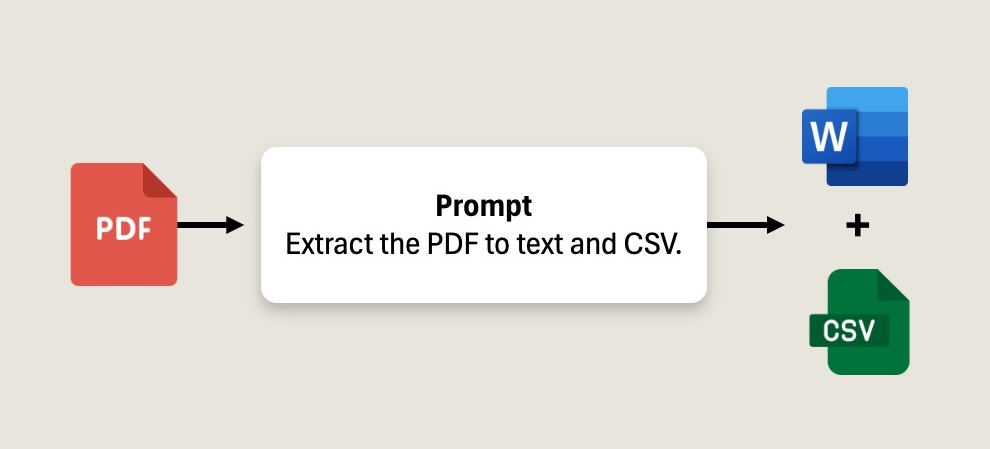
Use the parsing prompt below as the instruction for AI.
3
Upload to chat
Upload the document in a new AI chat (Copilot, ChatGPT, Claude).
4
Convert to text or CSV
Have AI extract all information as structured text.
5
Save
Save as a .md or .txt file in your knowledge bank.
Parsing prompt
Use this prompt when uploading a document:
Document extraction prompt
Tips
- Always check that tables have been extracted correctly
- Split large documents into logical sections
- Keep the original and text version side by side